Keeping Your Passwords Safe: Leveraging Google Password Manager
In today’s digital age, our online accounts face constant threats. Password breaches are common, and reusing passwords across multiple sites creates serious security risks. Using a password manager is one of the most effective ways to protect your accounts. Fortunately, Google provides robust password management tools to help you generate, store, and monitor your passwords securely. If you’re a Chrome user or rely on Google’s ecosystem, you already have access to a powerful password manager right at your fingertips.
The Evolution of Google’s Password Security:
Years ago, Google offered a “Password Checkup” extension to help users identify compromised credentials. Today, that functionality has been seamlessly integrated into the core of Chrome and the Google Password Manager, providing a more comprehensive and user-friendly experience.
Google Password Manager: Your Security Hub:
The Google Password Manager is a central hub for all your password needs. It offers a range of features designed to enhance your online security:
- Password Generation: Generate strong, unique passwords for each of your online accounts.
- Password Storage and Syncing: Securely store your passwords and sync them across all your devices.
- Password Breach Detection: Proactively check your saved passwords against a database of known compromised credentials.
- Password Strength Analysis: Identify weak or reused passwords and receive recommendations for improvement.

How to Use Google Password Manager:
- Chrome Integration: If you’re signed into Chrome, the Password Manager automatically saves your passwords as you browse.
- Accessing Password Manager: You can access the Password Manager directly through Chrome’s settings or by visiting passwords.google.com.
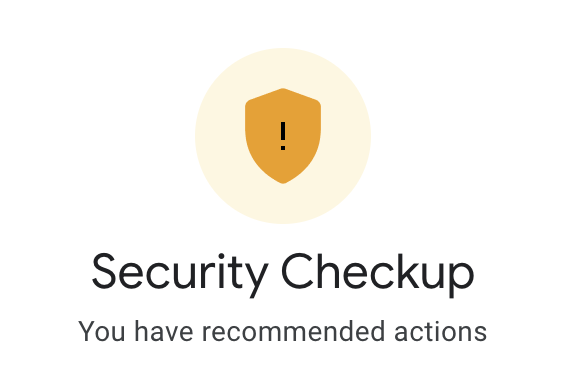
- Security Checkup: Enhance your overall security by using Google’s Security Checkup (myaccount.google.com/security-checkup). This feature provides a comprehensive overview of your Google account’s security, including password checks and recommendations.
Key Security Practices:
While Google Password Manager provides excellent tools, it’s essential to follow these best practices:
- Unique Passwords: Use a unique, strong password for every online account.
- Multi-Factor Authentication (MFA): Enable MFA whenever possible to add an extra layer of security.
- Regular Password Updates: Periodically update your passwords, especially for critical accounts.
- Be Wary of Phishing: Be cautious of suspicious emails or websites that request your login credentials.
- Keep Software Updated: Ensure your operating system and browser are up to date with the latest security patches.
Google’s Commitment to Privacy:
Google prioritizes user privacy and security. The Password Manager is designed with encryption and robust security measures to protect your data. Google also employs anonymous reporting to improve its security services without compromising user privacy.
Staying Secure in the Long Term:
Password security is an ongoing process. By leveraging Google Password Manager and adhering to best practices, you can significantly reduce your risk of becoming a victim of password breaches. Stay informed about the latest security threats and regularly review your security settings to ensure your online accounts remain protected.
Useful Links:
- Google Password Manager: passwords.google.com
- Google Security Checkup: https://myaccount.google.com/intro/security-checkup?hl=en-US
- Google Chrome Security: support.google.com/chrome/answer/95617
Contact Team WTI today for any questions and help with your website.
Learn more about Team WTI, our services, and more by following us on Facebook.